 SnapTune
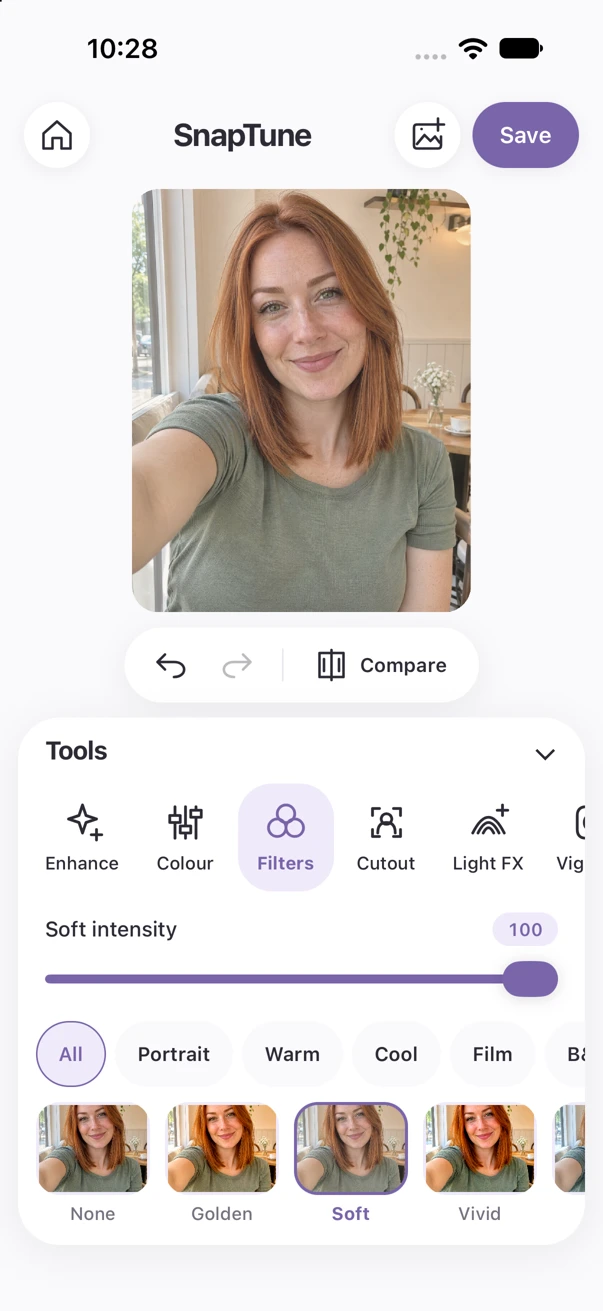
Edit photo
Colour, filters and selfie touch-ups. Find the light and finishing touches that feel right.
YOUR PHOTOS. YOUR WAY.
The iPhone photo editor for filters, selfie touch-ups, before-and-after collages and creative designs. £10 once. No subscription fees.
£10 to download · Made for iPhone · Android coming soon
Make it feel like you.
Actual iPhone app · sample photograph
ONE APP. THREE WAYS TO CREATE.
Choose a mode to see the tools, examples and a short app demonstration.
Colour, filters and selfie touch-ups. Find the light and finishing touches that feel right.
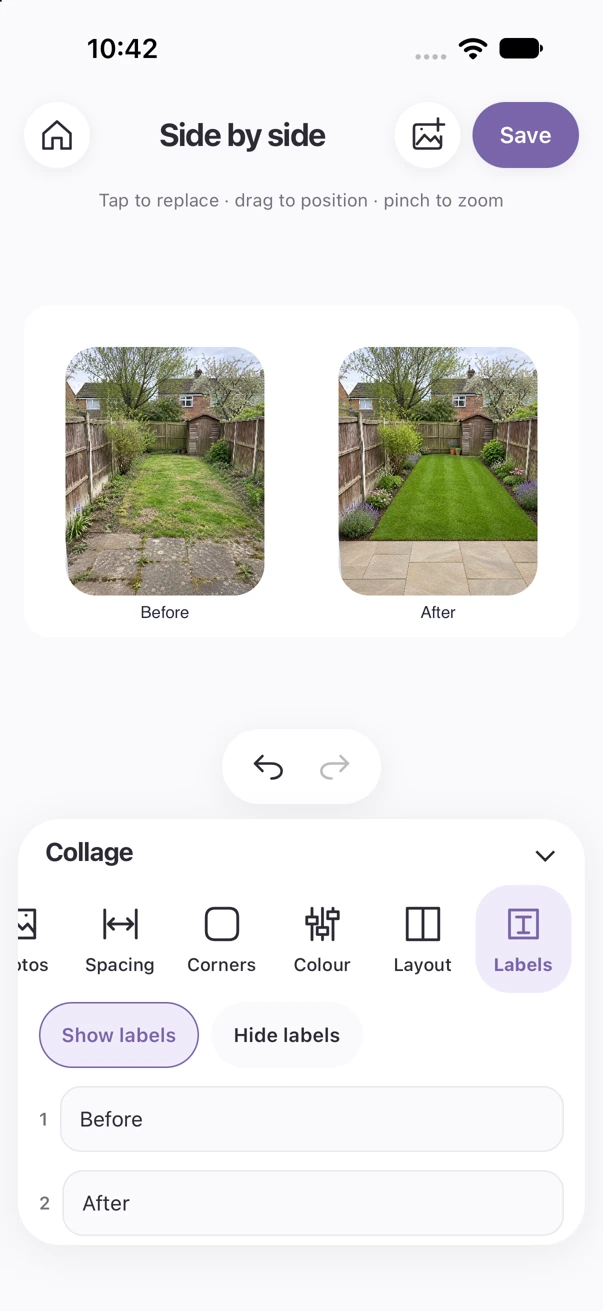
Combine photos, compare before-and-afters and make a collage worth sharing.
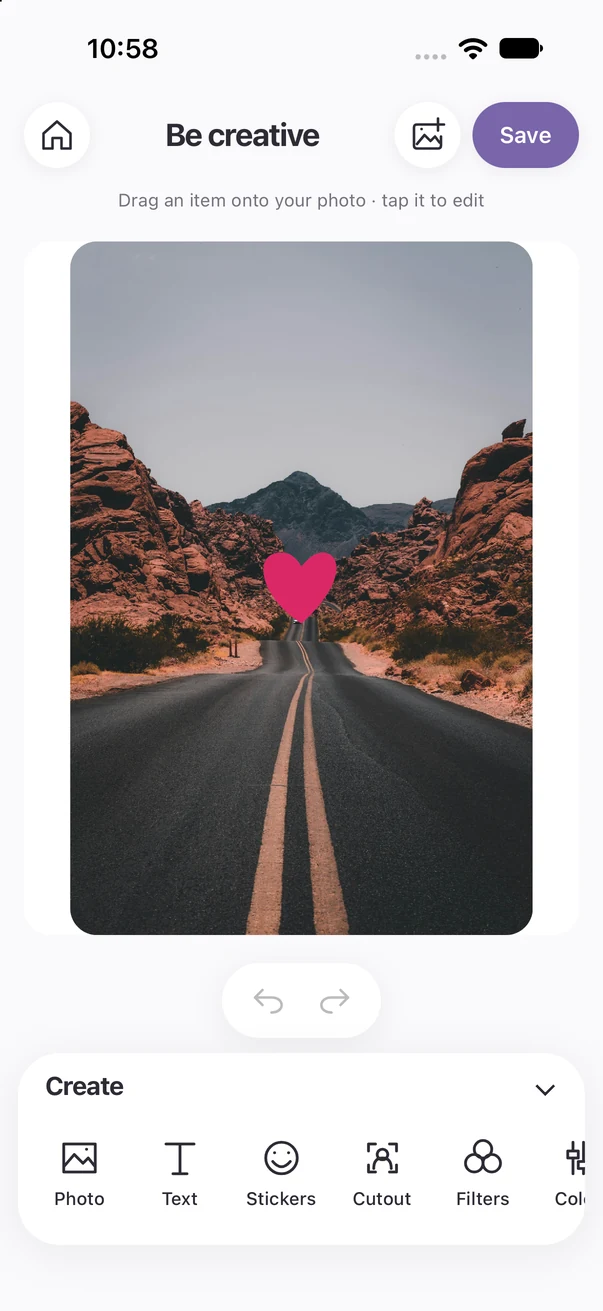
Layer photos, words and stickers to give your ideas a space of their own.
A LITTLE INSPIRATION
BEFORE & AFTER
Show a makeover clearly with matching photos and your own labels.
BE CREATIVE
Add words and stickers, then find the position, size and colour that fit.
SIDE BY SIDE
Choose your photos, adjust the layout and save one finished collage.
A SMALL PRICE FOR BIG IDEAS
One payment to download SnapTune for iPhone from the Apple App Store. No monthly or annual subscription fees.
Coming soon to the App Store. Requires iOS 17 or later. Final price and availability will be shown by Apple.
 £10one-off downloadNo subscription fees.
No. SnapTune is £10 as a one-off App Store download. There are no monthly or annual subscription fees.
SnapTune is preparing for Apple App Store submission. It will be £10 to download when available. Android is coming soon; there is no confirmed Android release date yet.
The current iPhone app requires iOS 17 or later. Check the final App Store listing for device compatibility when it is available.
Yes. Explore Smooth, Tan, Whiten, Heal and red-eye correction, then adjust the light and colour or try one of the filters. Brush controls let you choose the areas you edit.
Photo-editing tools work on your iPhone after installation. Downloading the app, visiting this website and sending support enquiries require a connection.
Use Undo and Redo during an editing session, compare with the original, and save editable projects locally. Recovery drafts help you reopen recent work, but undo history is session-only.
Tap Save in the app and allow the photo-library permission. Ordinary photos save as JPEG; transparent cutouts save as PNG. Use Save draft to retain an editable project. Compositions export at 2048 pixels on the longest edge.